Foam Cutting Software 

and Foam Cutting Utilities

Latest News

Small update added to FoamWorks English and Metric versions.  Pause Button added to cutting window to suspend and restart the cutting process.

New link added to Damencnc - Good source for CNC related products.

CadWorks updated - Current version is 3.0.67
 

Purchase Software

Register Software

Support / Contact Us

Tutorials

Download

Screen Shots

Mailing List

Links

Sample Cuts

CadWorks Features


FoamWorks User Projects

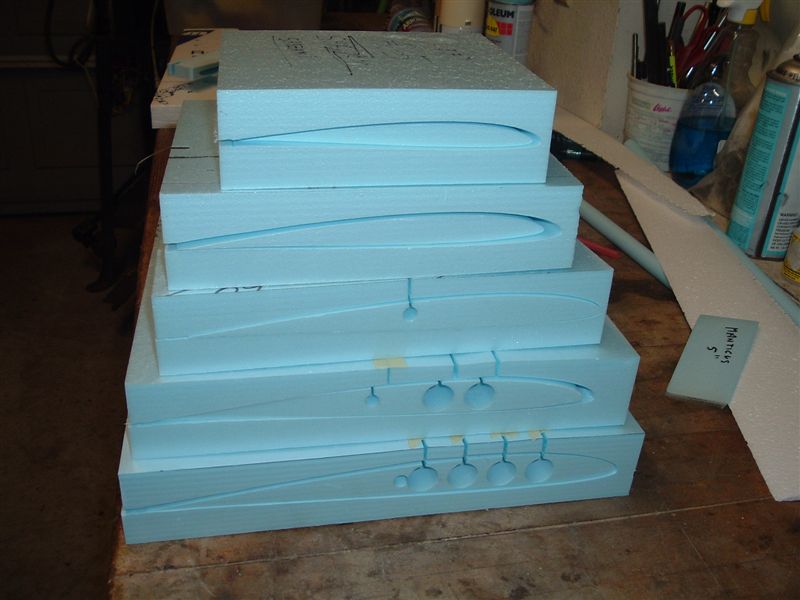
122" Multi-panel wing


Hollow Core Airfoil


FoamWorks 3.0
Updated 2/18/2006, Current version 3.0.34 (English Units)
Updated 2/18/2006, Current version 3.0.32 (Metric Units)

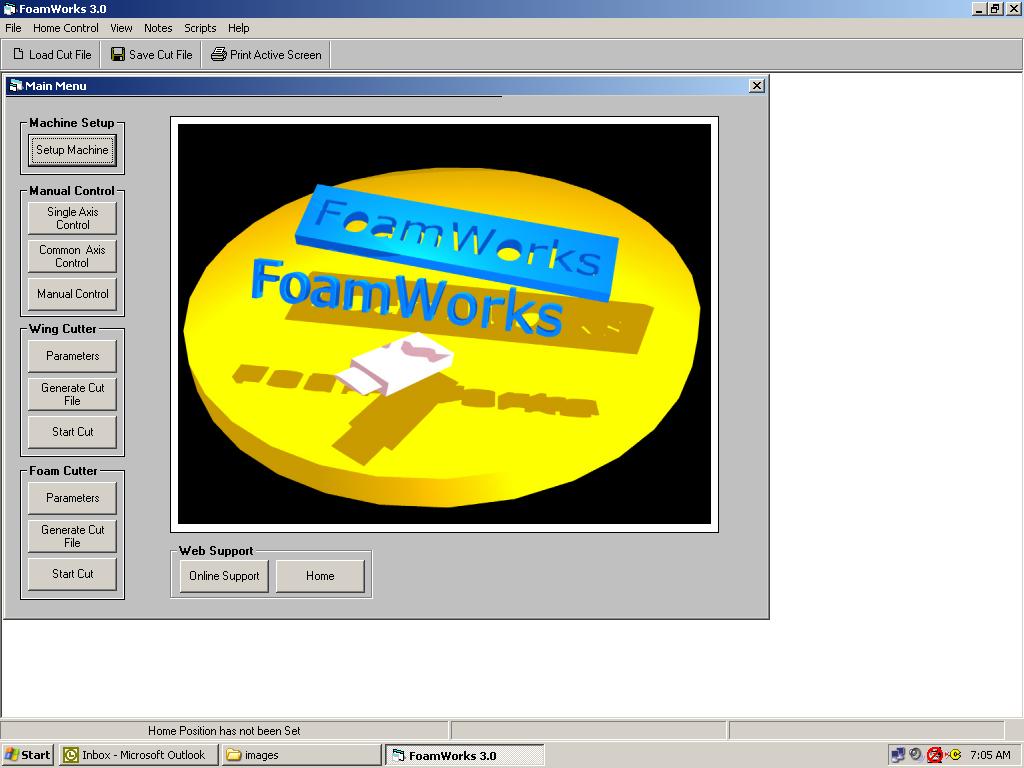
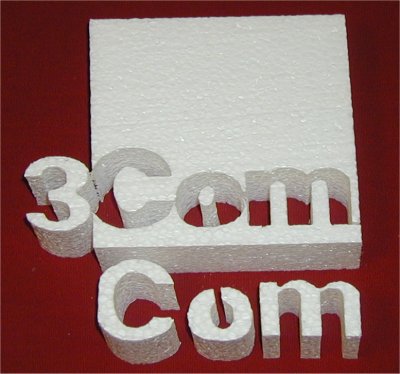
Foam Works 3.0  CNC software specifically designed  to drive a 4-axis hot wire foam cutter via the parallel port of any Windows based computer running Win98, WinME, WinXP or Win2K.  The program contains one section designed to cut RC airfoils. Included are aids to cut constant cord wings, swept wings, tapered wings, leading edge swept wings, trailing edge swept wings.  A second section is designed for cutting all general shapes.   Foamworks can cut any shape that can be drawn using any of the common CAD programs and then converted to a DAT.

Some of the features included with Foamworks are:

1. Set home position and return to home


2. Set set two additional waypoints and auto move to these points


3. Notepad feature to keep notes about various cuts


4. Ability to add pauses at specified locations around the cut. The intent is to improve sharpness of corners, etc.


5. Addition of a trouble shooting section to view output of parallel port that allows a user to confirm that the software is generating the proper output.


6. Tapered cut calculation screens for both The Foam Cutting section and the Wing Cutting section to aid with setting up tapered cutting.


7.  Create cutting scripts with any text editor or the build tool in Foamworks.  Scripts allow programmed horizontal, vertical, or angular cuts with out the need for a DAT, DXF or cut file.  Foamworks will follow a simple series of command listed in a text files.

More information about DAT files can be found at UIUC Airfoil Coordinate Database.  This site contains are a large number of DAT files that can be downloaded and reviewed.

Foamworks 3.0 was released on  July 24, 2004 and is an upgrade to Foamworks 2.1  If you would like to try the demo version of this software, click the download link on the left.  

If you try Foam Works and you do encounter problems please report these to support@foamwork.net .   

Also feel free to suggest additional features that you feel would be an improvement to the program. Your help is appreciated.

Foamworks 3.0 can be downloaded and previewed for 30 days.  This is a fully functional version that will time out after the demo period.  For a registration fee of $49.00  you can obtain a registration number that will disable the timeout function.


CadWorks 3.0.67

Updated 12/30/2006, Current version 3.0.67

1.  To update, go to the download page and download CadWorks.
2.  Uninstall the current version.
3.  Reinstall the new download.

CAD Functions

  • Supports AutoCAD DWG and DXF drawings formats by using OpenDWG technology.
  • Native VEC format for drawings. Drawings can also be saved as raster images.
  • Save/Read drawing to/from memory.
  • Supports Pages, Layers, Linetypes, Blocks, TextStyles, PointStyles, Multi-line Styles (parallel lines), Dimension styles, Selection Sets.
  • Graphic Objects include Points, Lines, Sub-classed Polylines, Circles, Arcs, Ellipses, Rectangles, Text, Block Insertions, Dimensions and Raster Images. All objects can use the 3D coordinate system.
  • Supports plug-in filters to open raster image in various formats. CadWorks ships with an open-source plug-in that supports the GIF, JPEG, and TIFF formats. 
  • A unique identifier for each drawing object facilitates external database referencing.
  • Access to all the properties of any object, either programmatically or via dialogs.
  • Zoom capabilities allowing you to view the entire drawing or any desired part of it.
  • Mouse Wheel supports real-time Zoom and Pan.
  • Print Preview.
  • Draw in Model space and/or Paper space.
  • Edit operations include Copy, Move, Rotate, Scale, Mirror, Explode, Erase, Join, Trim, Extend. Single objects can be edited by moving their control points (grips).
  • Various snap modes allow you to draw/edit objects accurately without tedious calculations. Snapping modes use ID markers to enhance operator speed and vision. Superior Polar Tracking capability.
  • Event-driven mechanism permits control of an application at the user interface level.
  • Interface commands can be assigned directly to an application's menus, buttons and accelerator keys.
  • Supports Windows TTF fonts and AutoCAD SHP/SHX fonts.
  • Supports AutoCAD hatch patterns (PAT) and linetypes (LIN).
  • Clipboard copy and paste.
  • Undo-Redo buffer saves 100 commands.

Import functions

  • Load DXF file
  • Load DAT file (a corresponding DXF file is also generated when the DAT file is loaded even if you don't have the original DXF file)
  • Save DXF
  • Save DAT
  • Save DAT file as a DXF file
  • Select scanning device
  • Load image into background (scanned images can be used as guidelines for tracing to create new DXF files)


Conversion functions

  • Explode all Block entities of the DXF (individual function)
  • Replace polylines, splines with lines (individual function)
  • Automatic Conversion to DAT with 2 or 4 mouse clicks. 2 mouse click for sequentially drawn dxf files and 4 mouse clicks for randomly drawn files.
  • Explode of LINEs and ARCs into specified number of segments

Sequentially drawn dxf file

  • Prep DXF (remove block, polylines, etc)
  • Specify starting point and cut direction

Randomly drawn dxf file

  • Prep DXF (remove block, polylines, etc)
  • Specify starting point and cut direction
  • Reorganize DXF per step 2 specification

Convert to DAT


CadWorks 3.0 was released on  October 10, 2004 and is an upgrade to DXF2DAT 3.0 Professional. 

If you try CadWorks and you do encounter problems please report these to support@foamwork.net .   

Your feedback is appreciated.  Feel free to suggest additional features that you feel would be an improvement to the program.

CadWorks 3.0 can be downloaded and previewed for 30 days.  This is a fully functional trial version that will time out after the demo period.  For a registration fee of $49.00  you can obtain a registration number that will disable the timeout function.


Contact Information or Support:
                            Designed Computing Systems

                            848 W. Borton Road
                            Essexville, Michigan  48732
                            Phone    (989) 892-4376
                            info@foamwork.net


Copyright, Designed Computing Systems, 2003